



















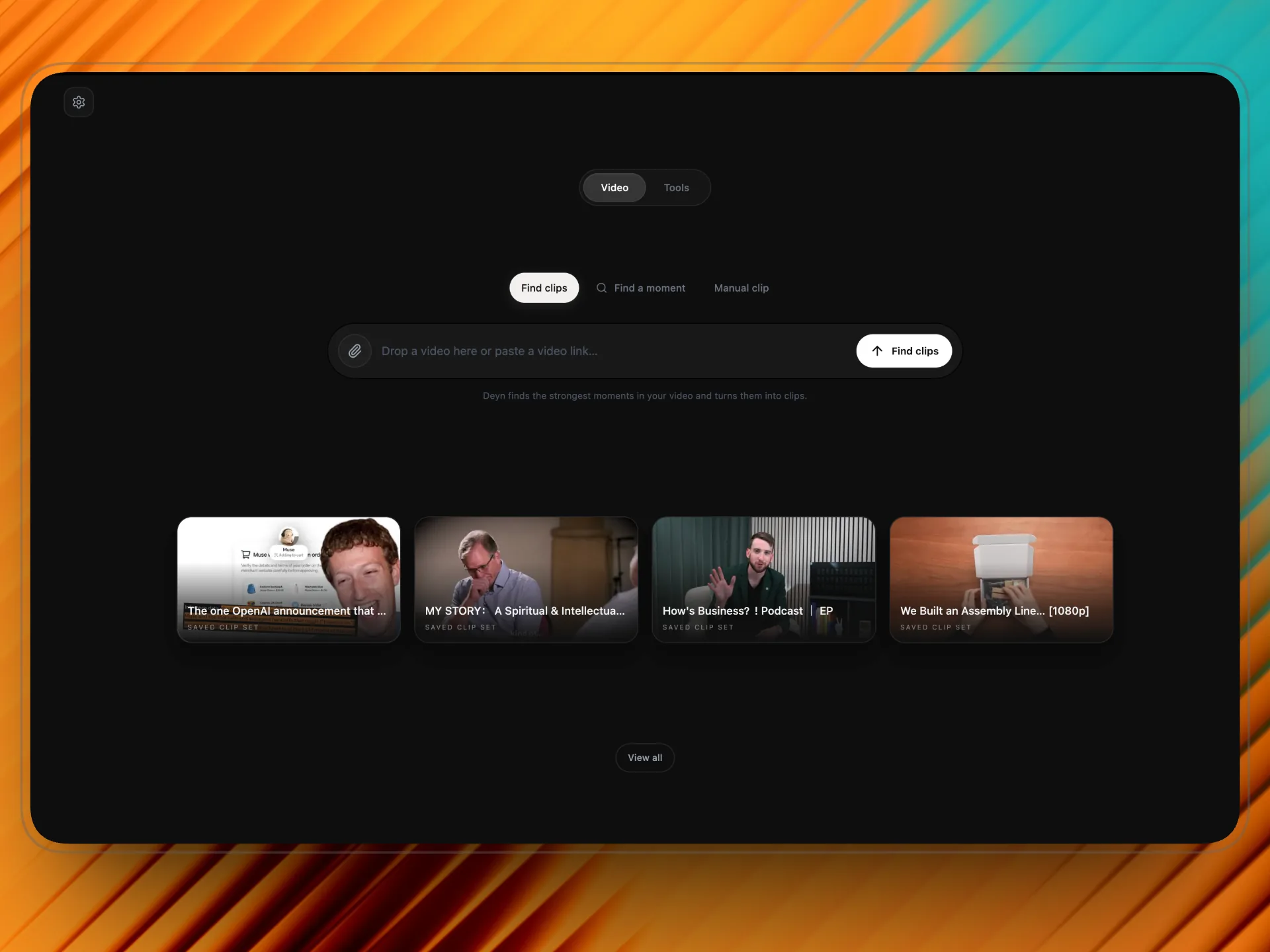
Drop in a long video
Import a file or paste a supported public link. Let Deyn suggest clips, search for a moment, or pick the cut yourself.

A video clip maker you pay for once.
Deyn finds the moments worth posting, captions them, and frames them for vertical.
One-time, no subscription. For macOS.
See how it works
Deyn Studio in action
See Deyn find moments, add captions, and frame clips for social.
Import a file or paste a supported public link. Let Deyn suggest clips, search for a moment, or pick the cut yourself.
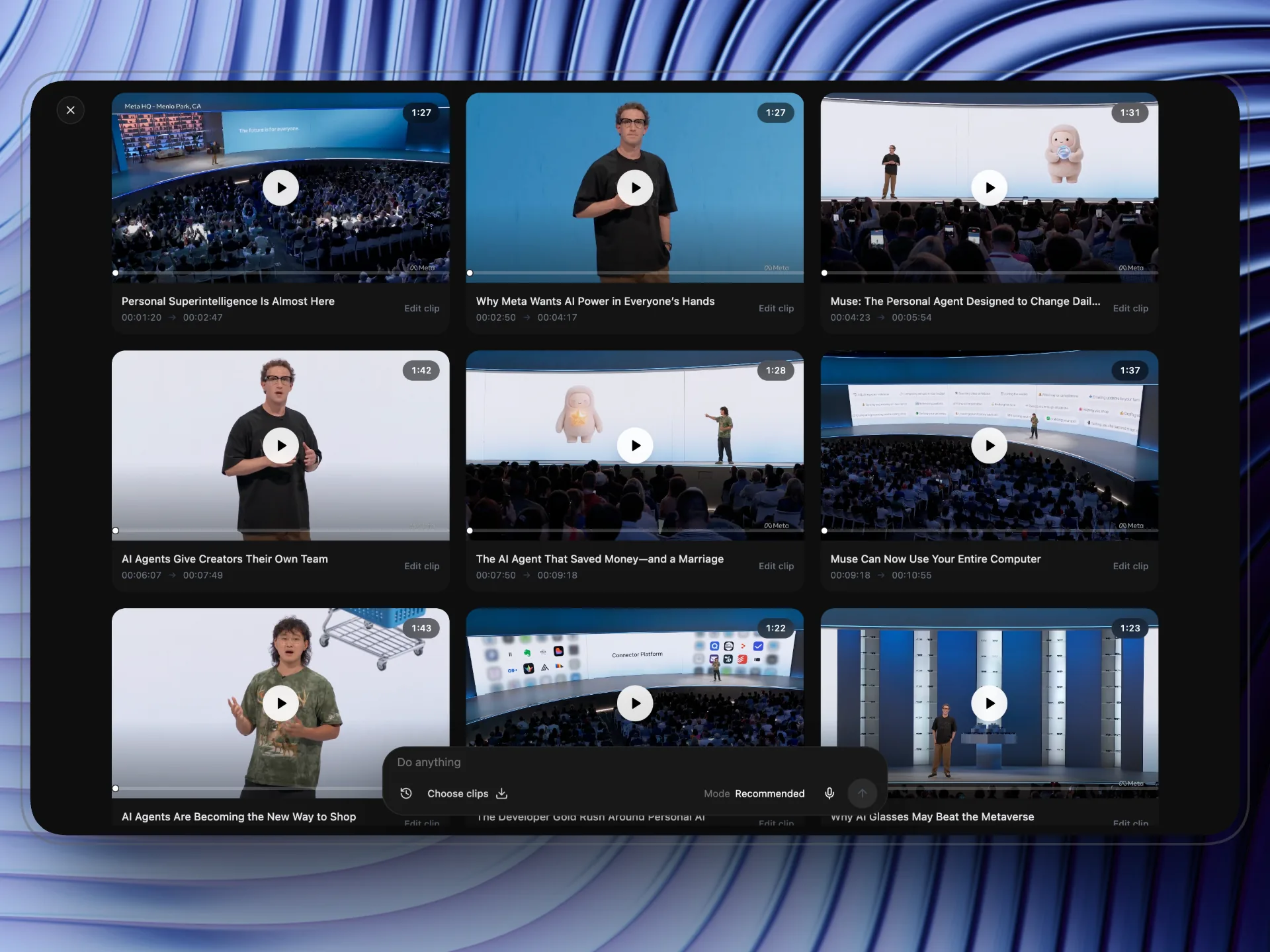
AI reads the transcript and suggests clips with titles and timing. Keep the ones you like, drop the rest.
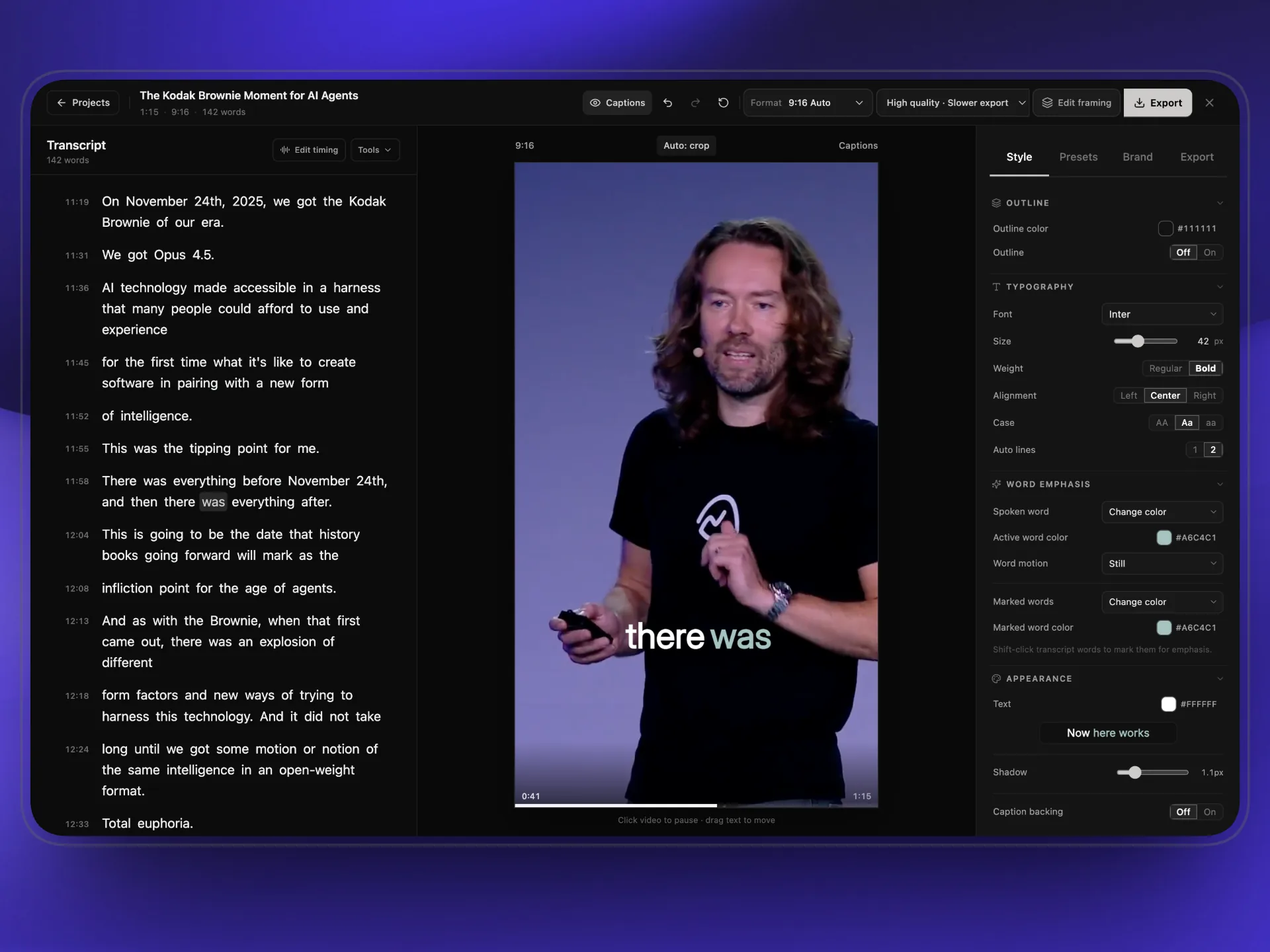
Edit the transcript, style your captions, frame for vertical video, and export without leaving the app.
Media Assistant & Tools
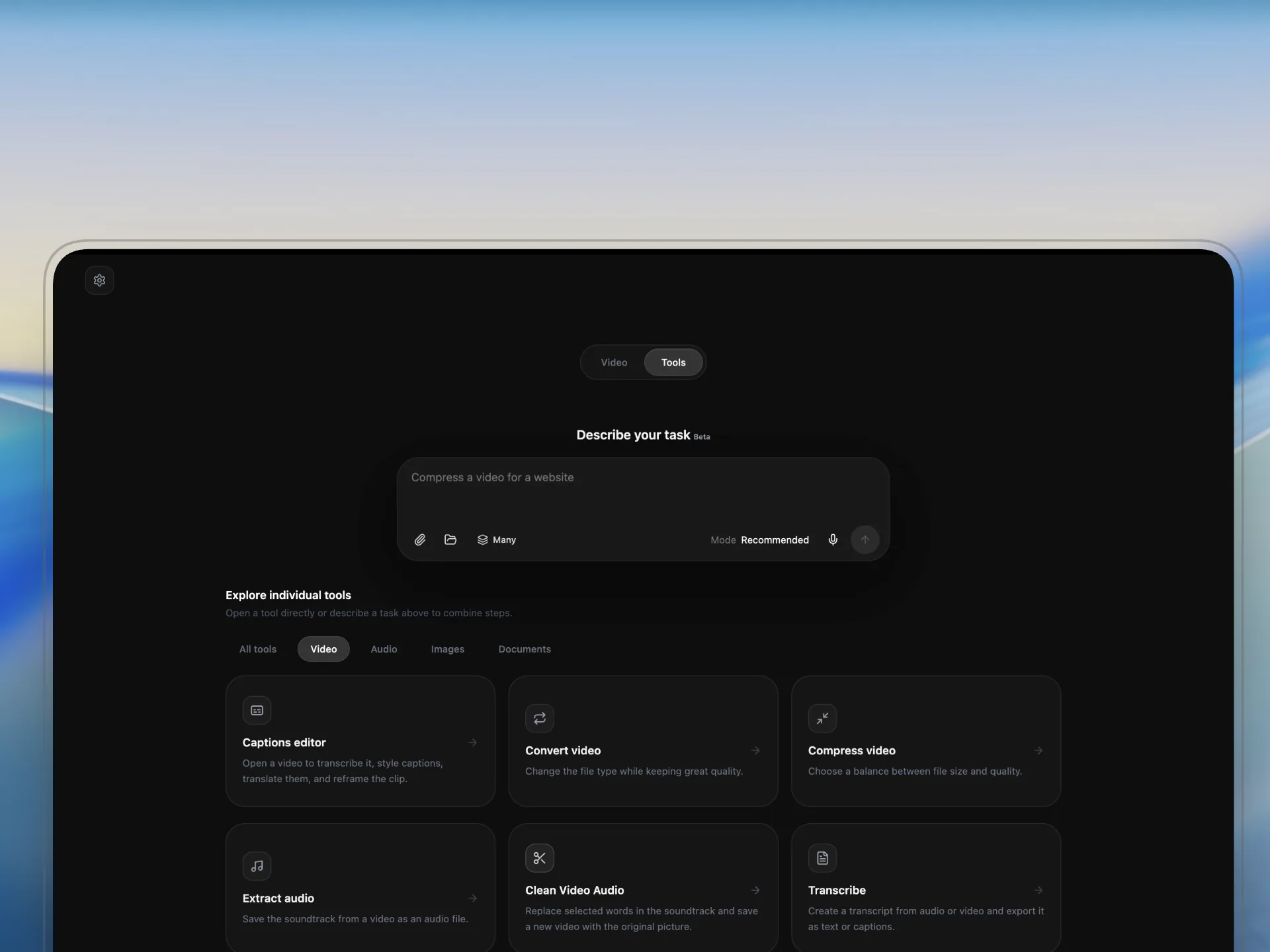
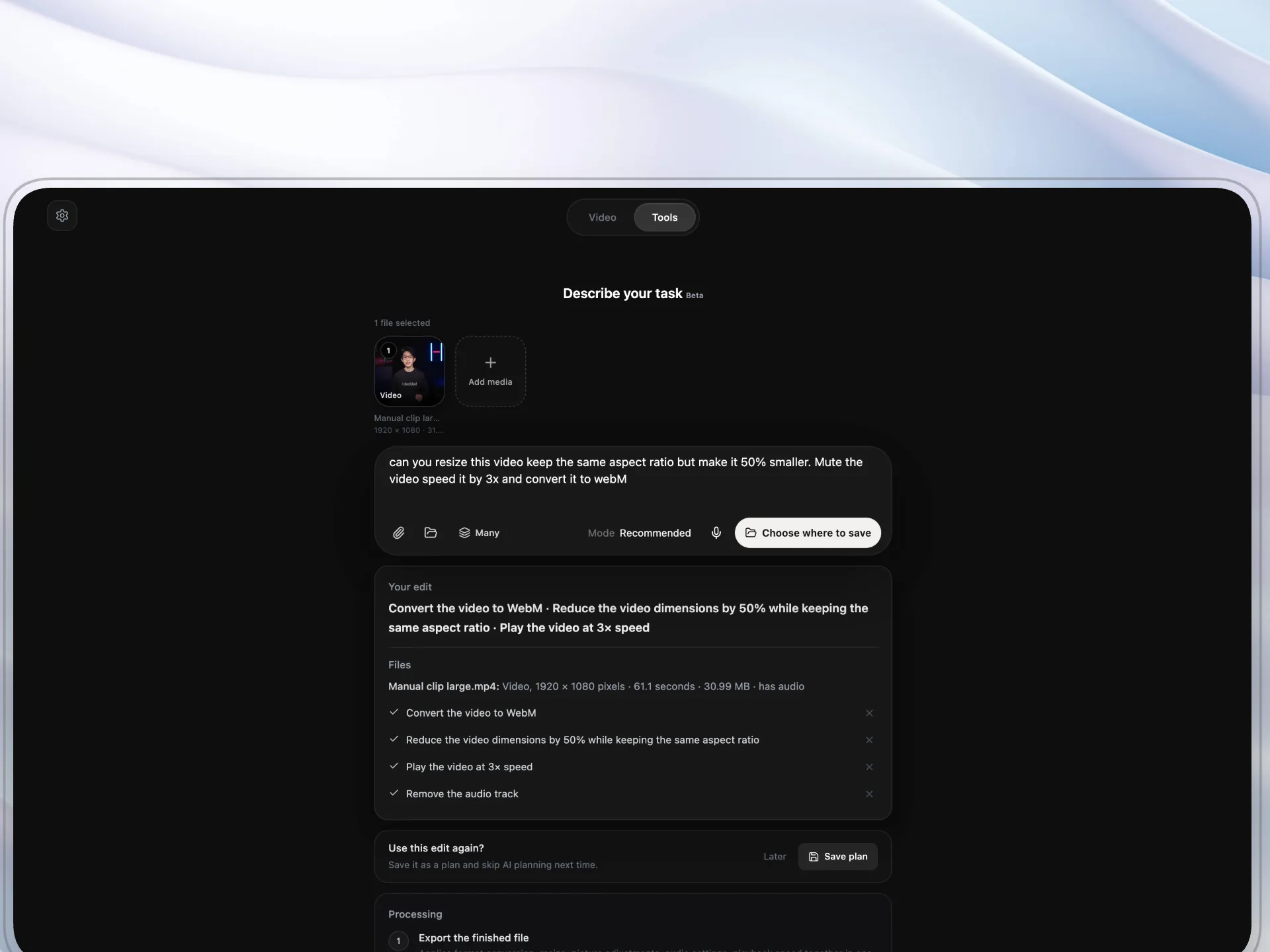
Pick your files and say what you want done. Media Assistant drafts the steps, and nothing runs until you approve.
Spot Assistant
Select files in Finder, or open a video in your browser. Press the shortcut, say what you want, and keep working.
It opens in a blink. Compress, convert, mute, go vertical, or fit under 25 MB for Discord start straight away on your Mac, with no AI wait and no credits.
Download a supported public video link at 1080p, 720p or the best quality available. Or download and compress in one step.
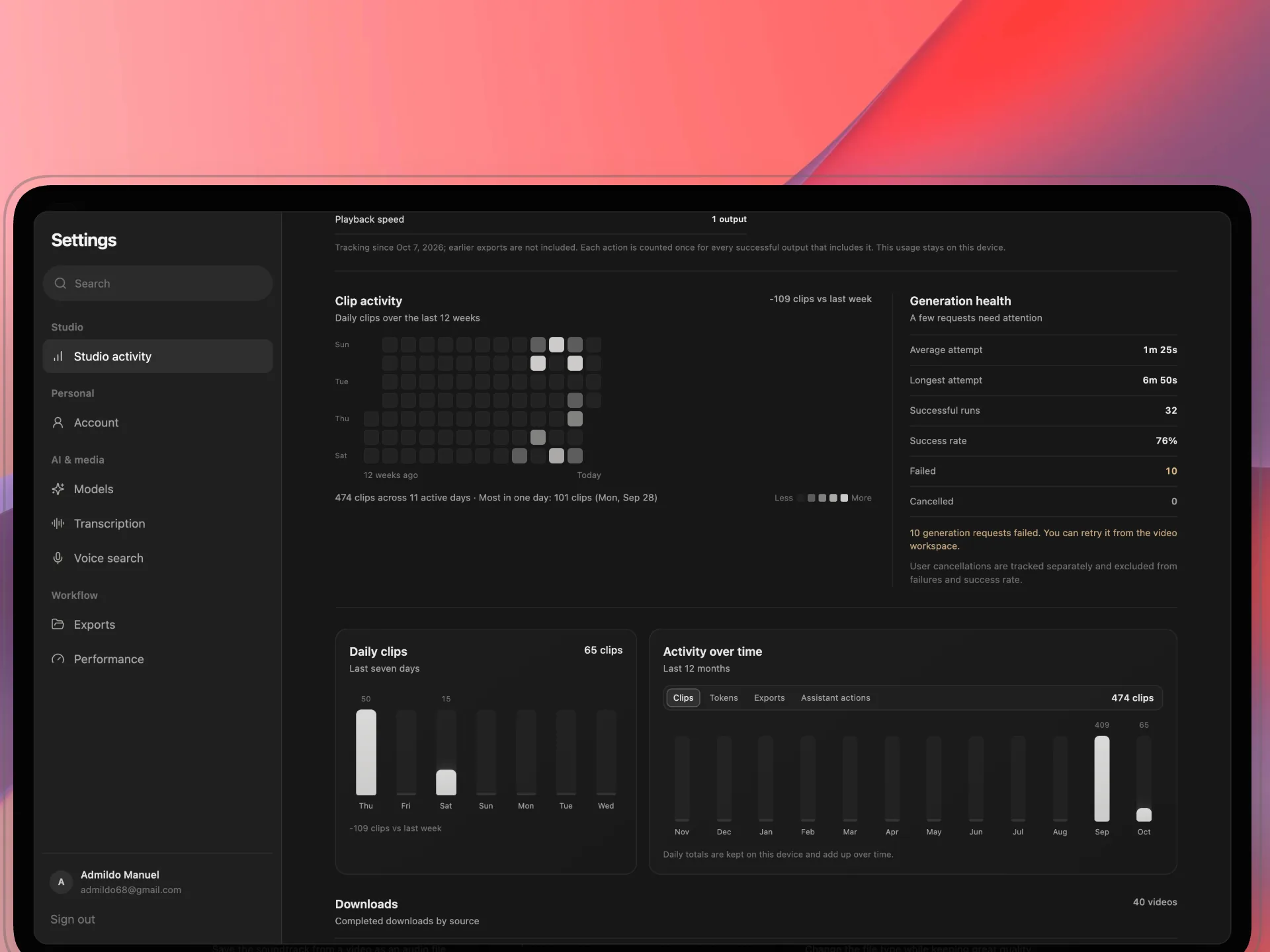
A bad file only costs itself. Retry just the failures, or undo the whole batch.
Every edit saves a new copy beside the original, so there is nothing to lose by trying.
Pair a folder with a saved edit. New videos and images that land in it are edited for you while Deyn runs in the background.
Use Deyn Studio on up to two devices. Future desktop updates are included.
Lifetime license
Find moments, edit captions, and export from one desktop app.
No subscription. Pay for AI only when you use it, with your own OpenRouter key. Local transcription is always free.
Get Deyn Studio · €29Available for macOS. Windows and Linux are coming soon.What it does, what AI costs, and where your files are processed.
16 questions shown
Still have questions?
We’re here to help.